

How to Order OEM Mercedes-Benz Parts Online
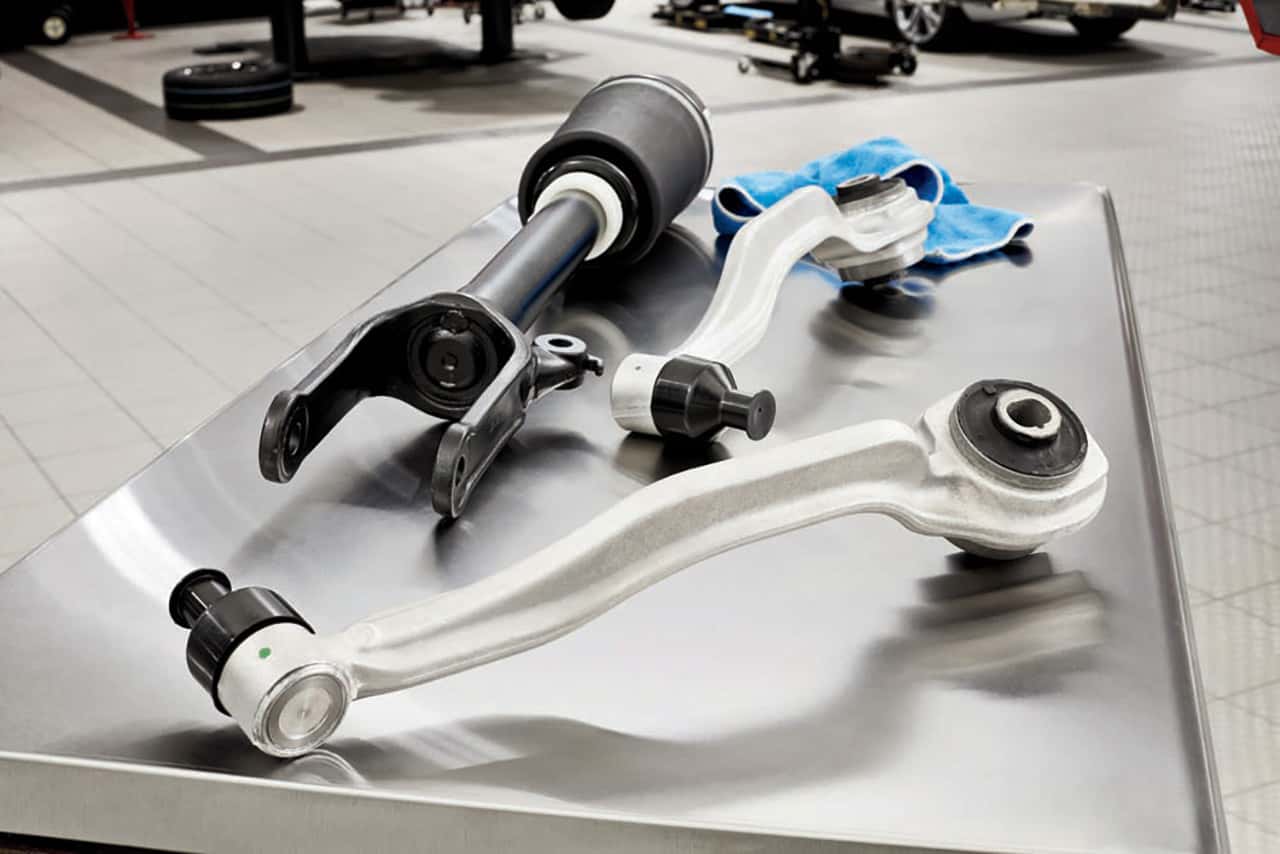
When you purchase Mercedes-Benz parts online, you want to make sure you’re doing so from a safe and reliable source. At Keyes European, we carry OEM, or original equipment manufacturer, parts that are built to the same specifications as your model’s original parts, which means they’re the perfect fit every time. Learn how to order the part you need with help from our team.
Visit the Parts Page
To start, you’ll want to navigate to the Parts department on our website. Scroll to the right on the homepage and you’ll see a menu item for “Parts”. From there, scroll down and click on the option for “Order Parts”. This will bring you directly to our order page.
Search for Your Parts
When the time comes to search for your new parts, you have two options. At the top of the page, you’ll see a search bar where you can input either the part’s number, your VIN or vehicle identification number, or keywords for types of parts. With a few more selections, you’ll be able to prompt the search to find the parts you need. You also have the option of scrolling down to explore suggestions for the most popular parts and accessories.
Add to Your Cart
Similar to other online purchasing processes, you simply need to put your selected parts into your shopping cart. When you are ready to buy, head to the check out. From there, you will be able to see your selection and input your financial and shipping information.
Order High-Quality Mercedes-Benz Parts Online
The right parts can make all the difference when it comes to the health and longevity of your vehicle. That’s why the Keyes European team is proud to carry parts you can rely on. Order yours today—our team can even install them for you if necessary!
0 comment(s) so far on How to Order OEM Mercedes-Benz Parts Online